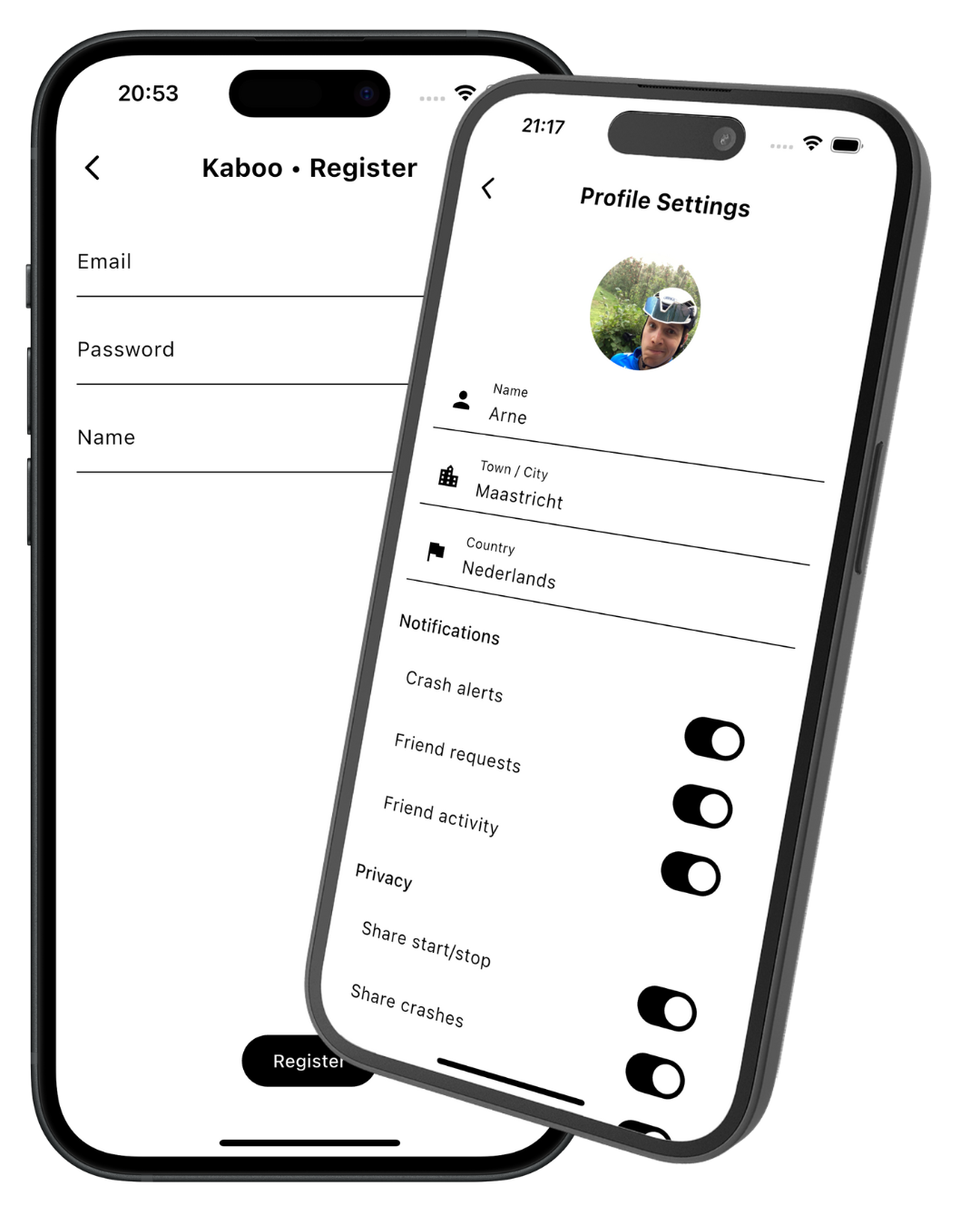
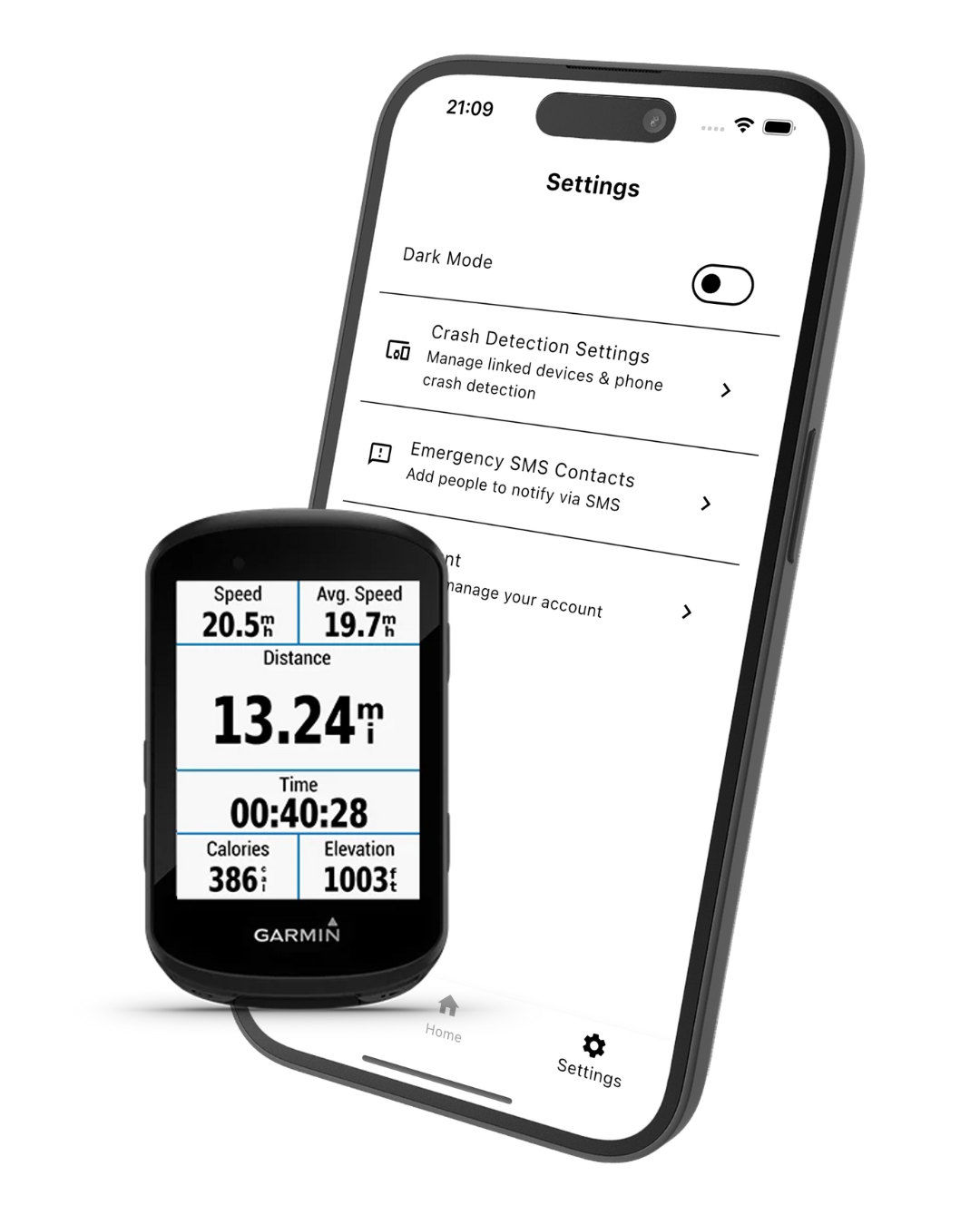
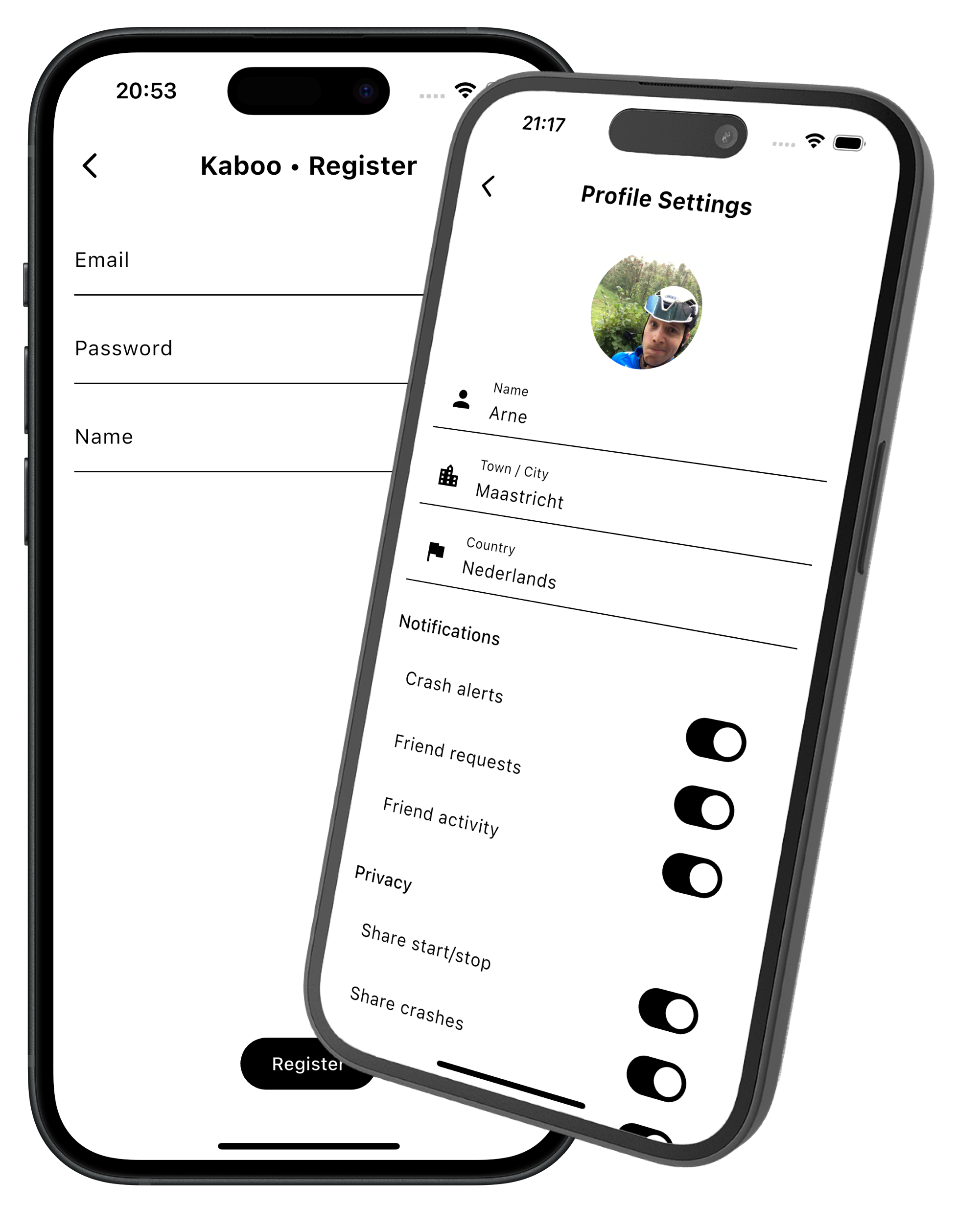
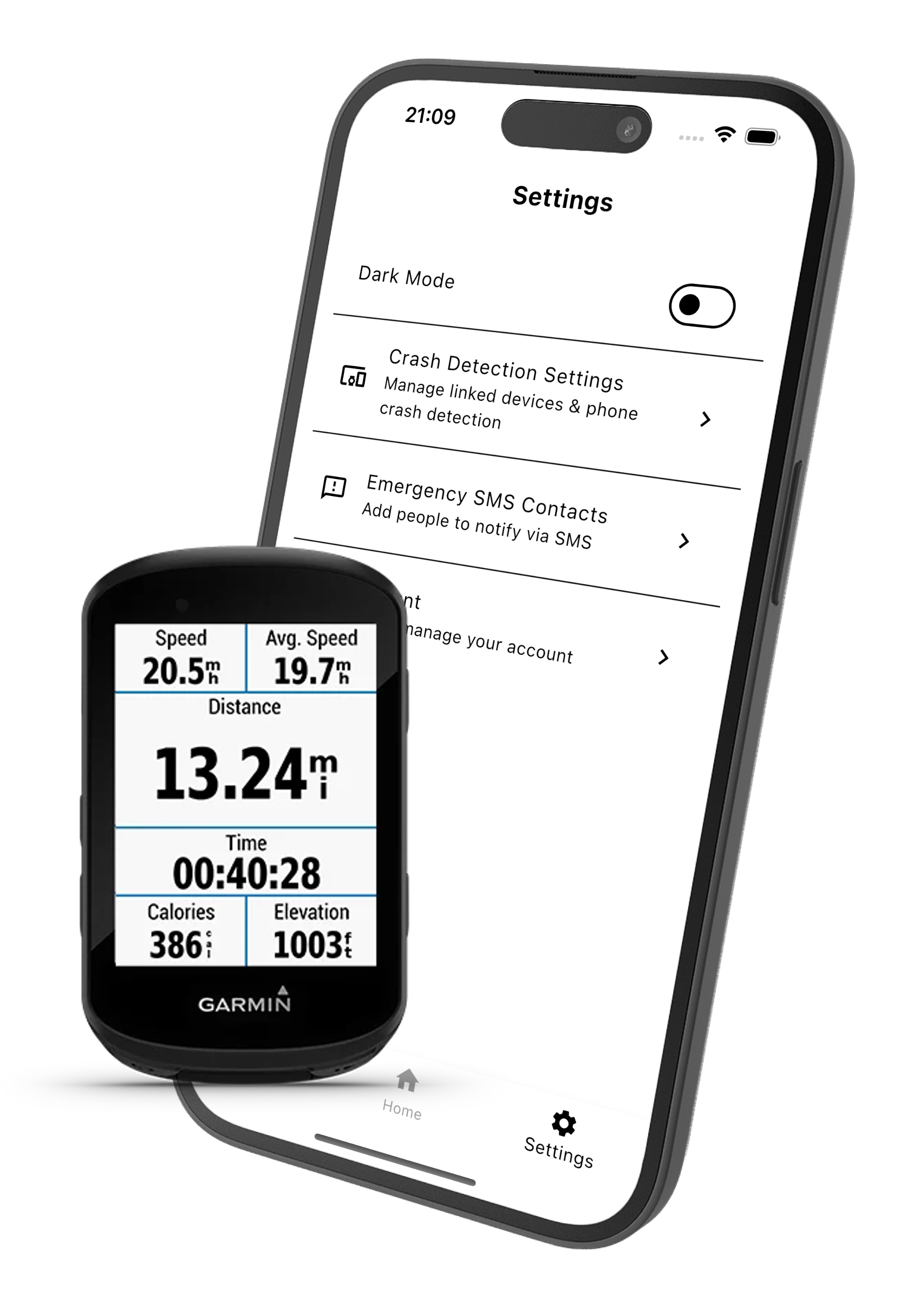
2. Link your garmin or use your phone as crash detection device.
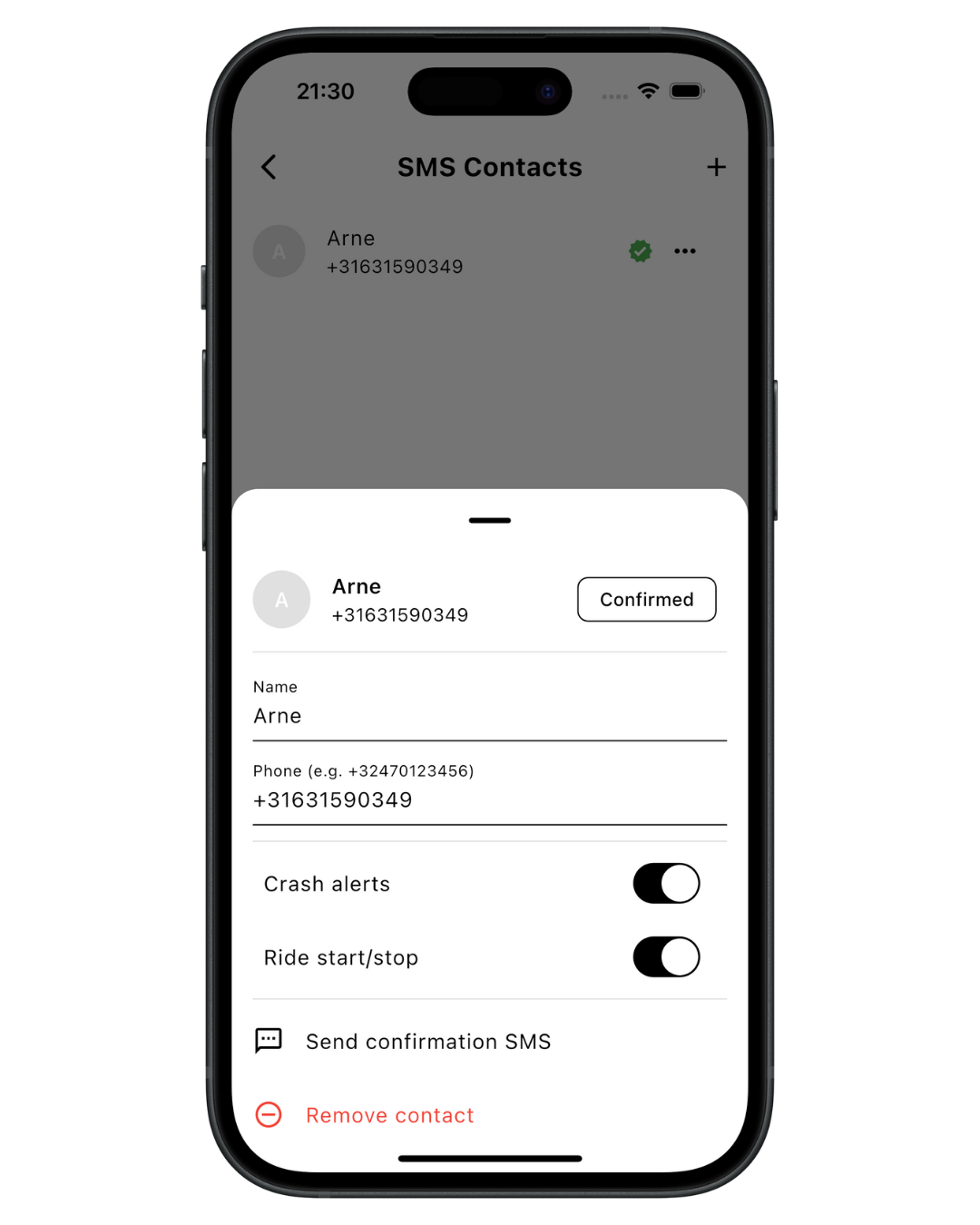
3. Add your sms alert contacts.
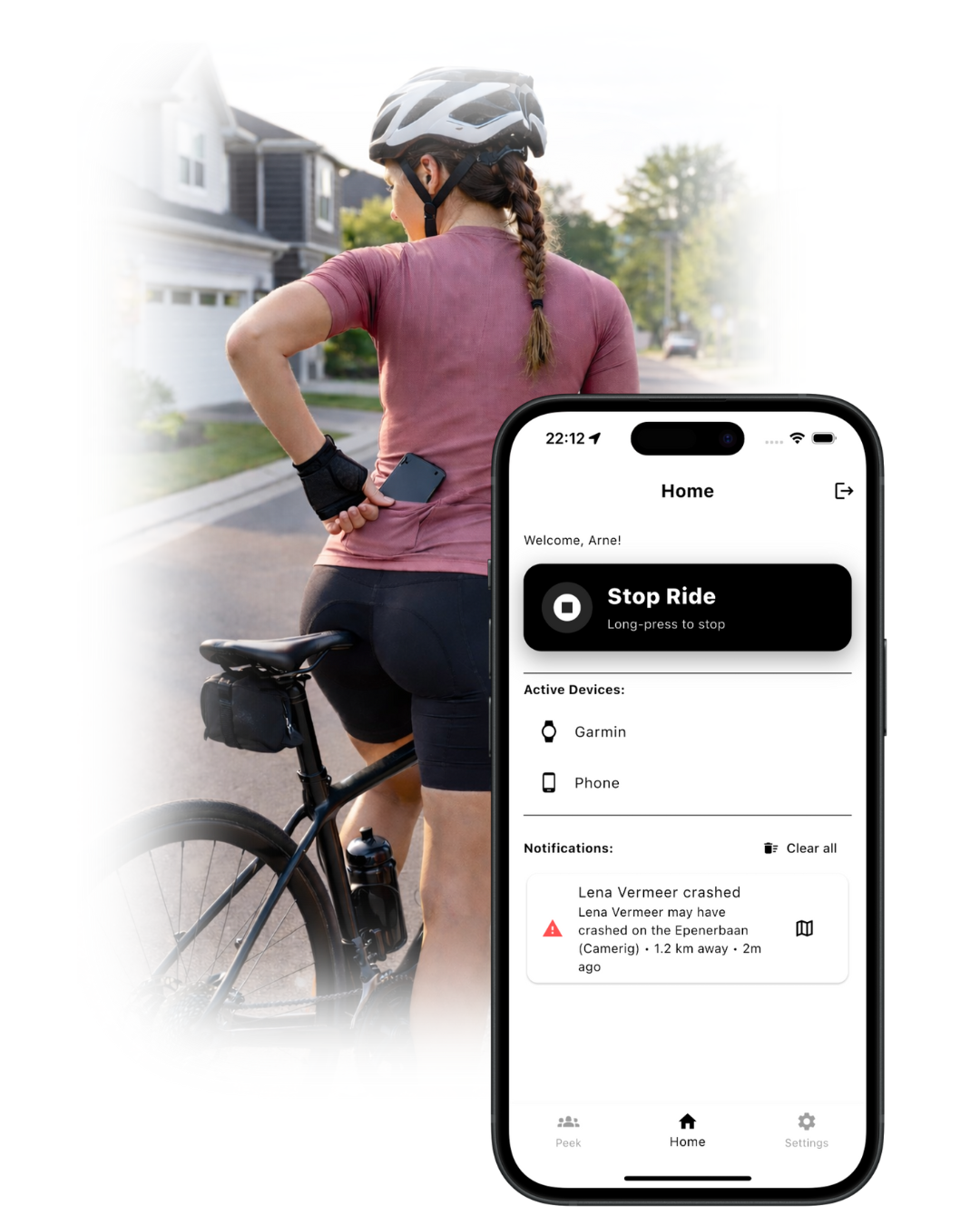
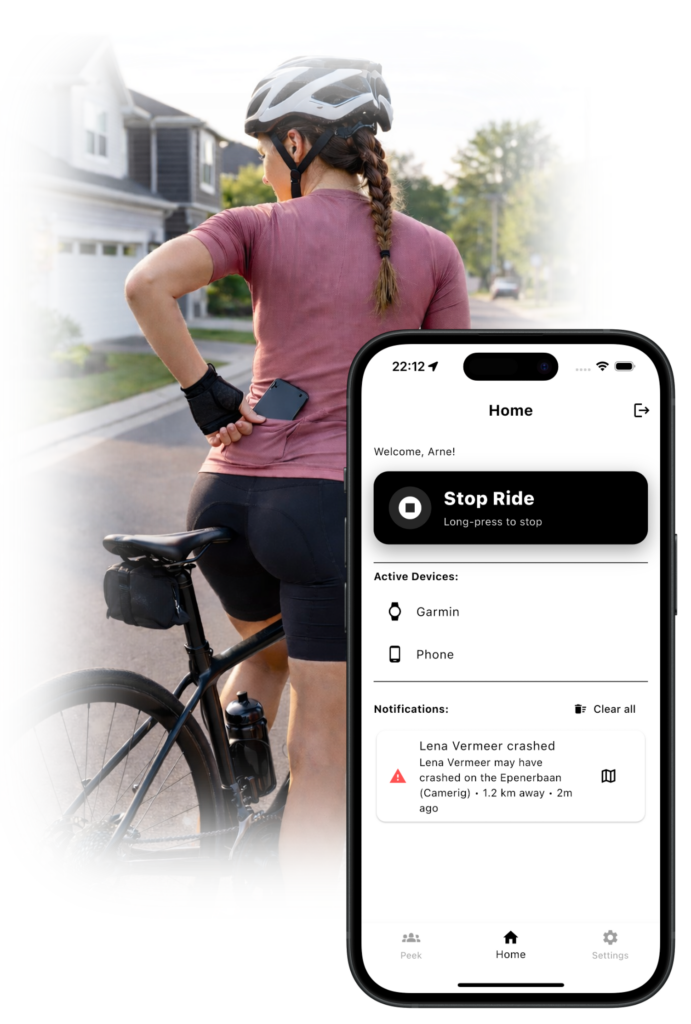
4. Ride with Kaboo13!
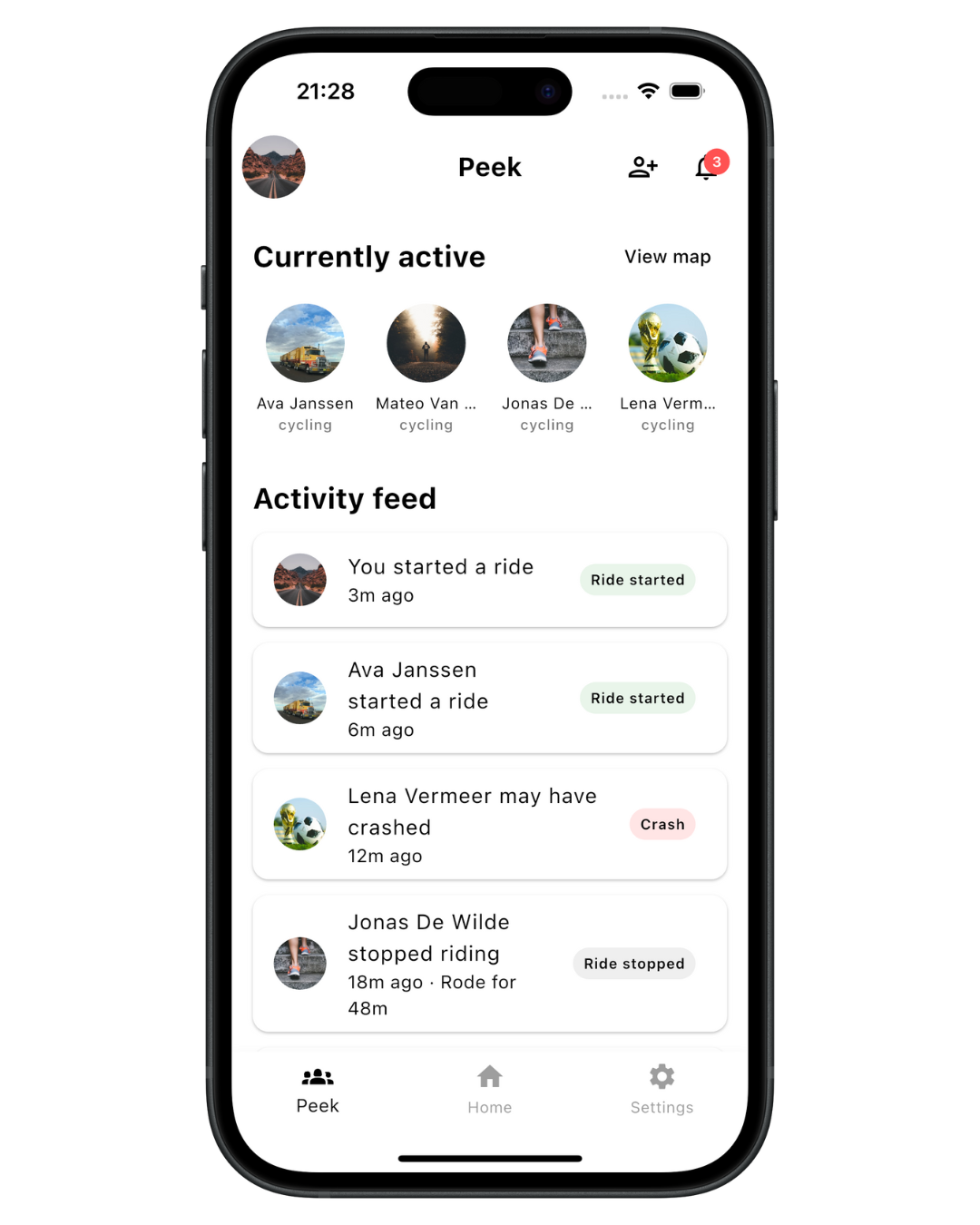
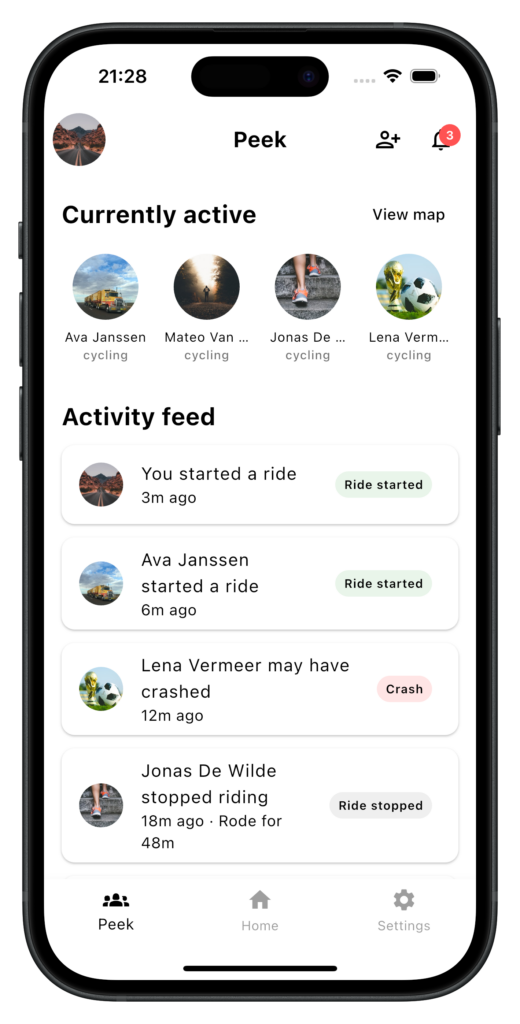
5. And follow your friends.
How to? Link Your Garmin
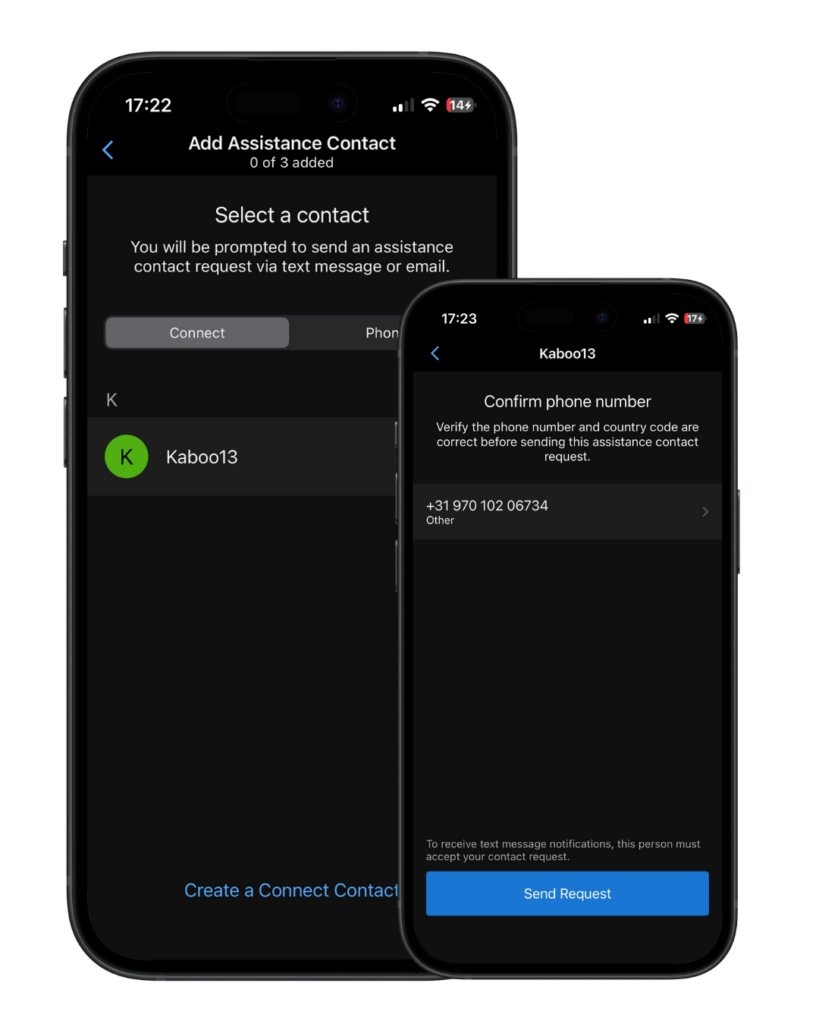
Add Kaboo13 number as an emergency contact in your Garmin Connect app.
Add Kaboo13 safety service phone number: +31907010206734 as an Assistance Contact in your Garmin Connect App. Press the ‘Send Request’ button and Kaboo13 will receive the invite.
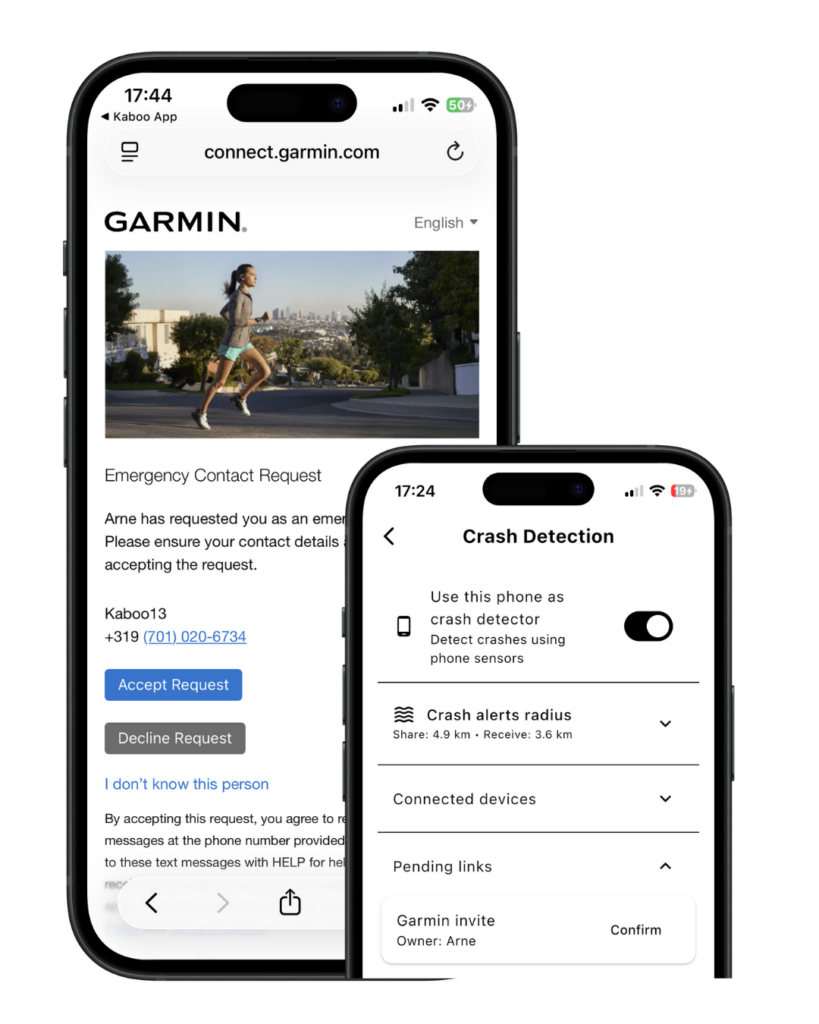
Confirm the Garmin in the Kaboo13 application.
After sending the request from your phone, open the Kaboo13 app and check the ‘Pending links’ section. Here you can press the ‘Confirm’ button which will direct you to an online page where you can confirm the device link.
That’s it! Now any crash detected on your Garmin will also be share with the Kaboo13 network and safety contacts.